
Build from selected edges
Turn selected SketchUp edges into connected railing and fence runs, including multi-corner and sloped paths.
Crio Creatives / SketchUp Extension
A SketchUp railing and fence plugin that turns selected edges into editable railing systems. Start with seven customizable styles, save your own presets, copy and paste configurations, and update generated railings as your design changes.
Signed SketchUp RBZ + activation key after checkout. License for up to two computers.
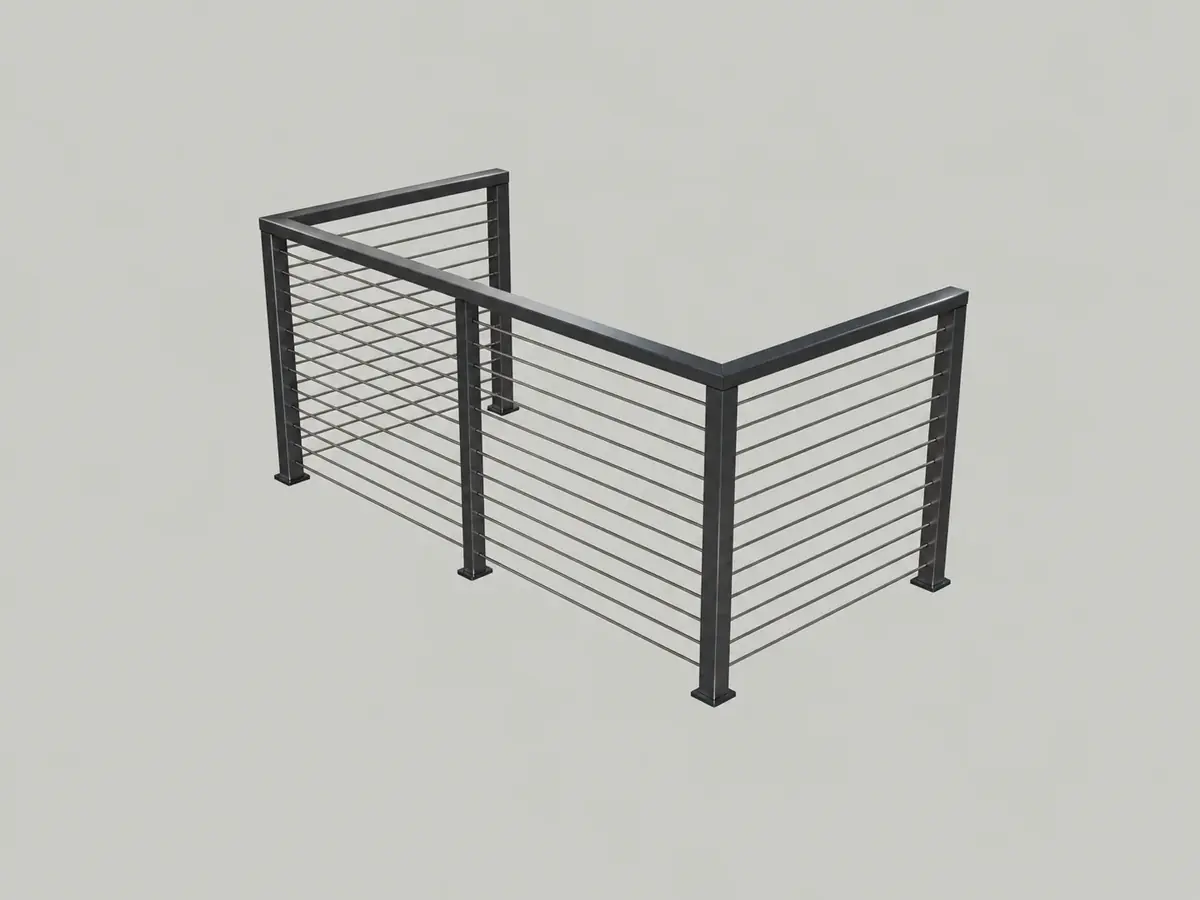
Built around real geometry
The seven included styles are customizable starting points, not fixed designs. Adjust post dimensions and spacing, rails, glass or other infill, materials and alignment. Save named custom presets, copy and paste settings between configurations, and select a previously generated railing to reopen its settings and update the design.
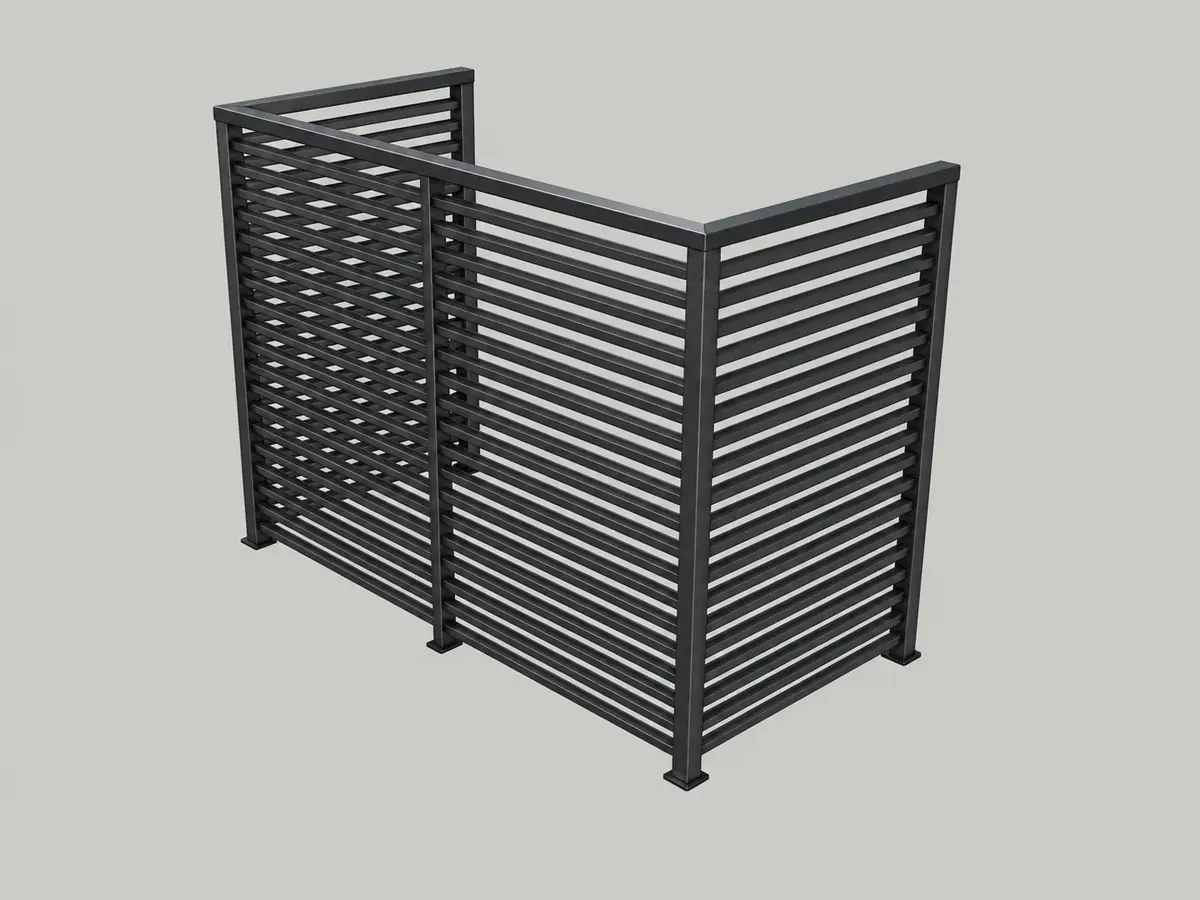
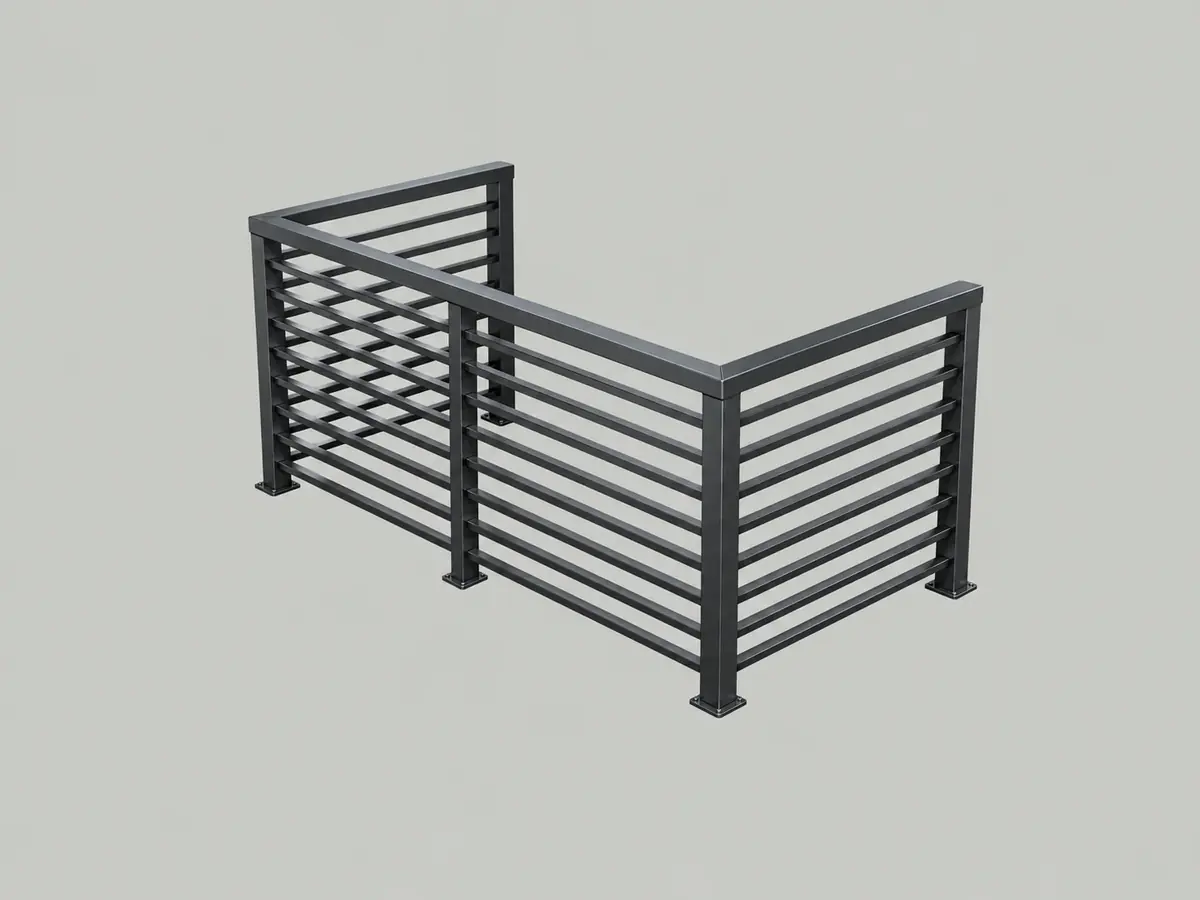
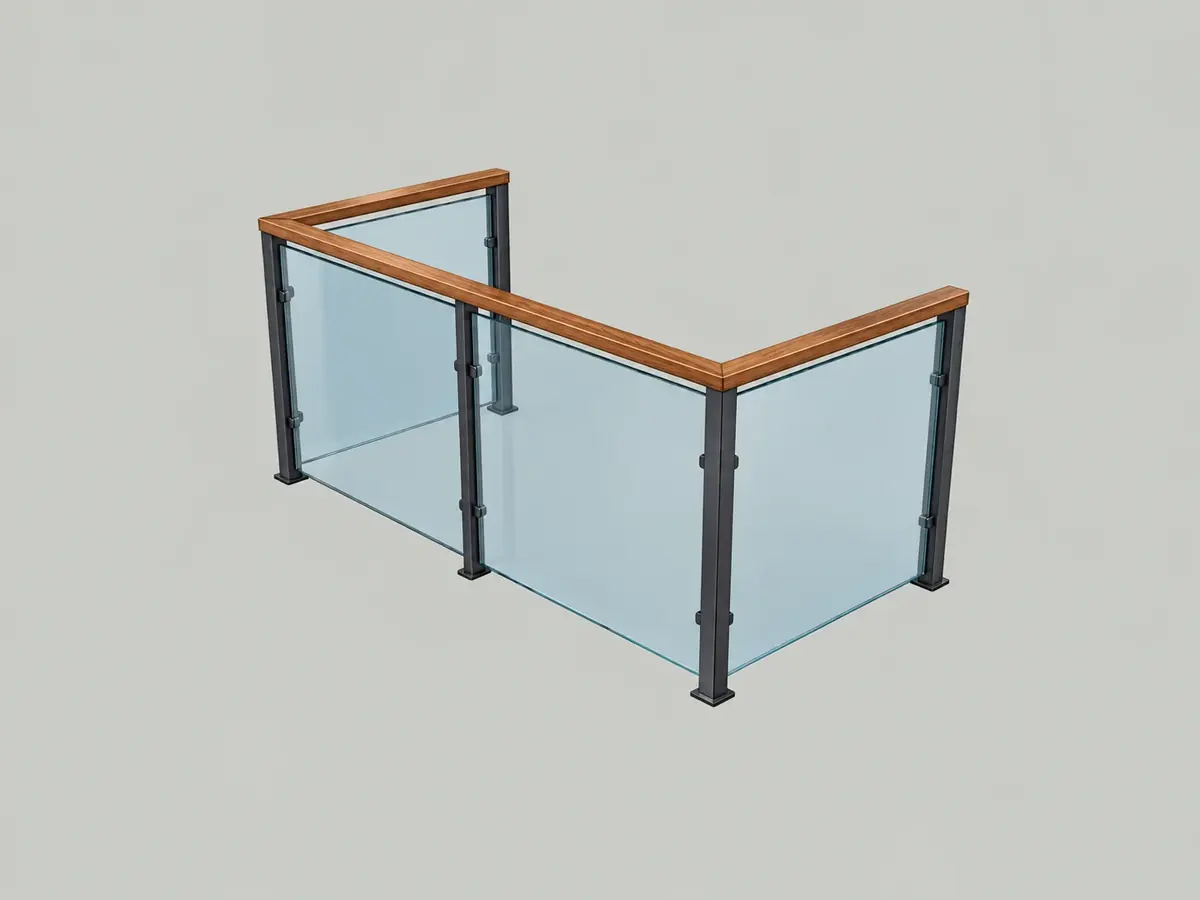
01 / Construction systems
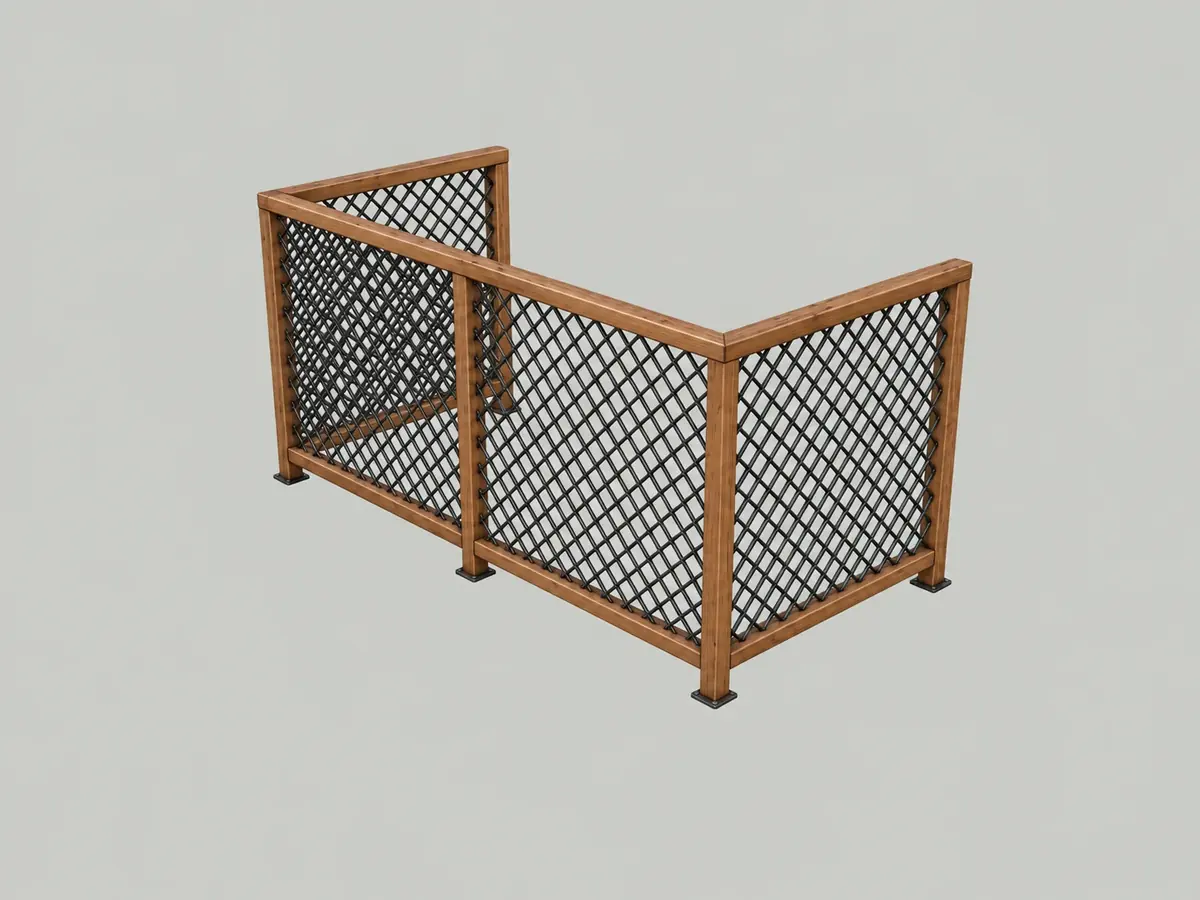
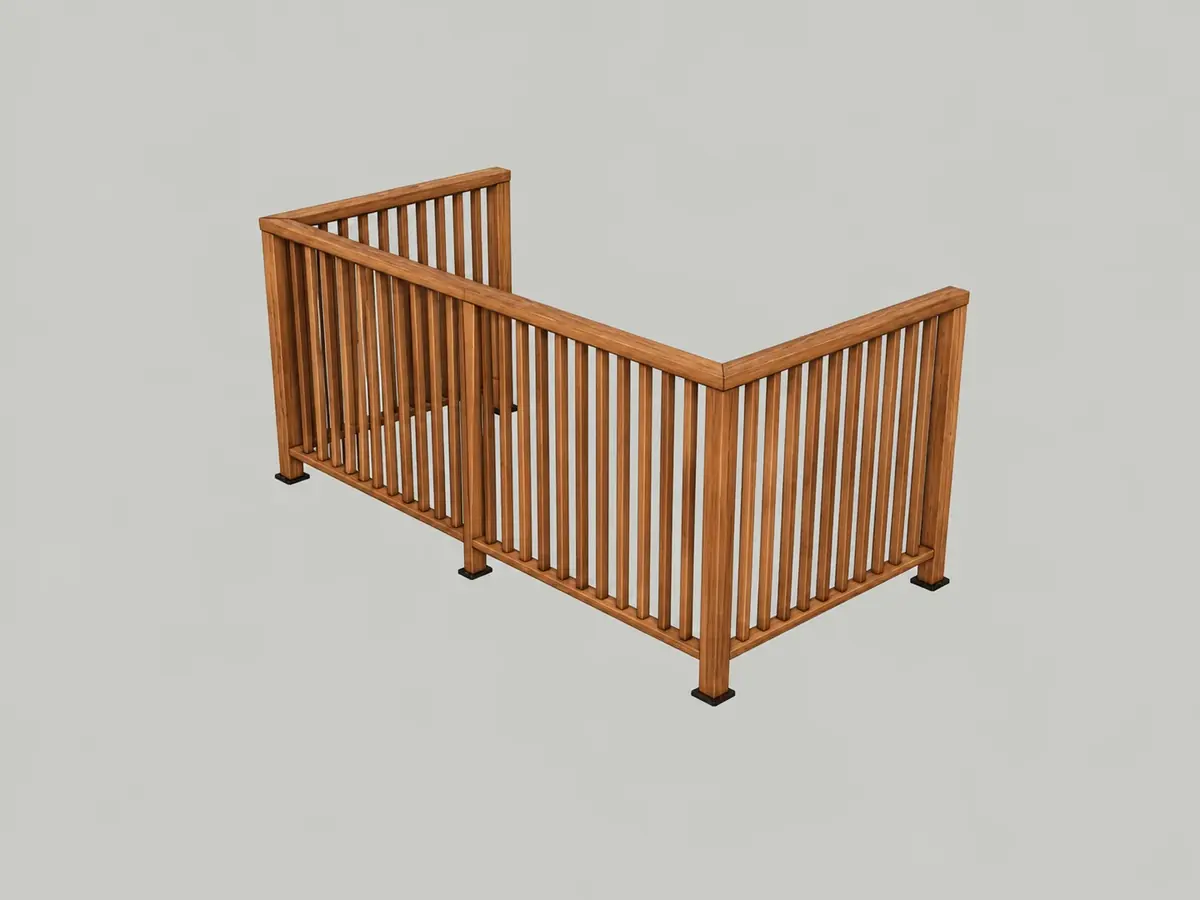
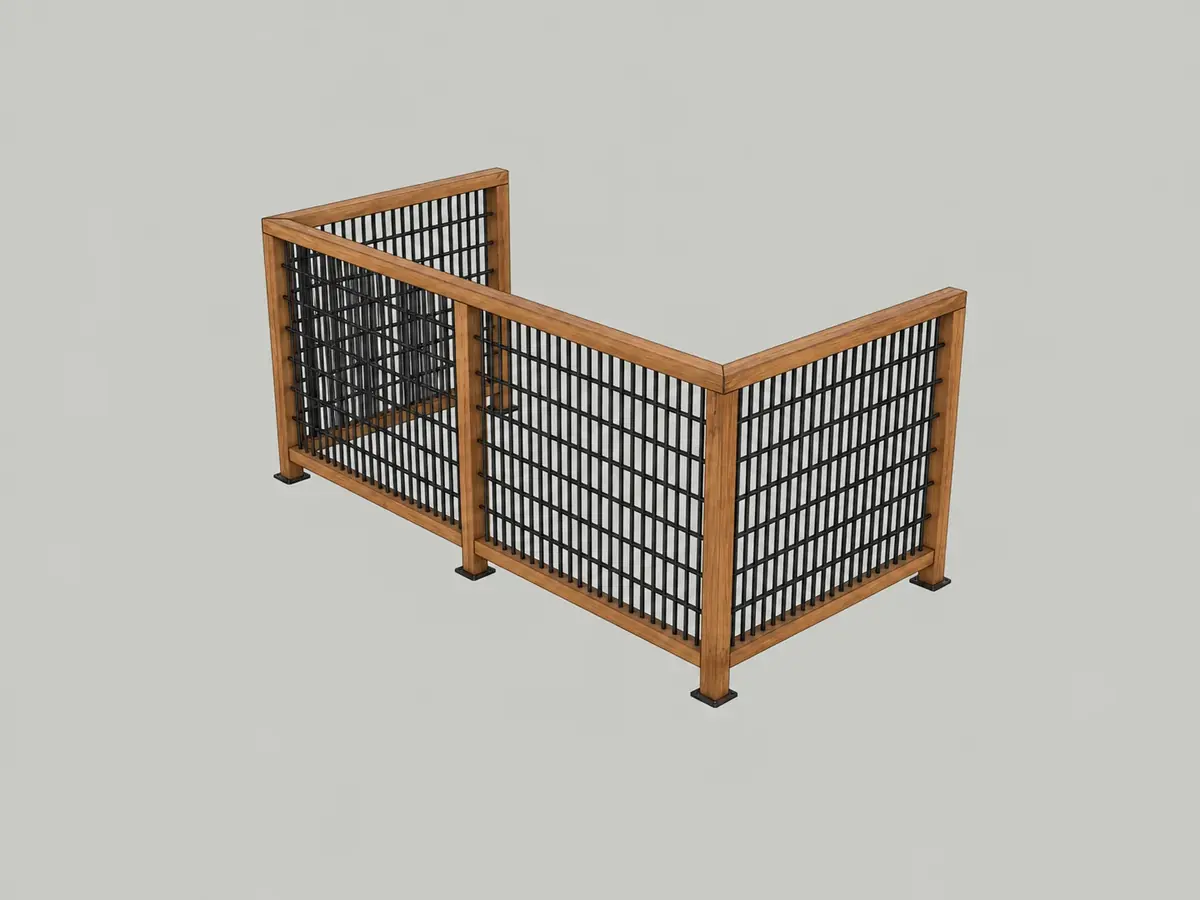
Every style is fully customizable. Use the gallery as a starting point, tailor posts, rails, infill, placement and finishes in Detailed Settings, then save the result as a named custom preset for later use.
02 / Features
Load a style from the preset gallery for a quick start, or open Detailed Settings to refine geometry, placement and materials.
Turn selected SketchUp edges into connected railing and fence runs, including multi-corner and sloped paths.
Each included style is a starting point. Adjust its dimensions, spacing, posts, rails, infill, placement and finishes to create your own configuration.
Set overall height, post dimensions and spacing, rails, infill and materials. Vertical picket spacing uses clear gaps; dimension fields accept imperial and metric units.
Create a connected top-rail group across the fence, with mitered or rounded corner treatment for round handrails.
Configure glass panel sizing, clearances and clamp placement based on the generated post positions.
Place railings inside, outside or centred on a path, with available orientation and setback settings.
Build along the elevations of the selected edges, including staircase-to-landing transitions. Posts use Follow Path base elevation.
Increase the corner-angle threshold when too many posts appear along freehand or curved paths, filtering out smaller bends.
Save named custom presets across SketchUp sessions, import or export preset libraries, copy and paste settings, and reopen generated railings to edit them.
03 / Workflow
Four straightforward steps, with additional settings available whenever you need more control.
04 / Purchase & license
Everything you need to know before purchasing.
No. Pay US$14.99 once. There are no recurring charges or monthly license fees.
After a successful Stripe checkout, retrieve your activation key and download the signed RBZ. Install it through SketchUp’s Extension Manager.
Activate on up to two computers. You can deactivate a device to free a license slot.
Yes. A validated license allows up to 30 days offline. Connect to the internet again to refresh authorization.
